
1
Describe the hook
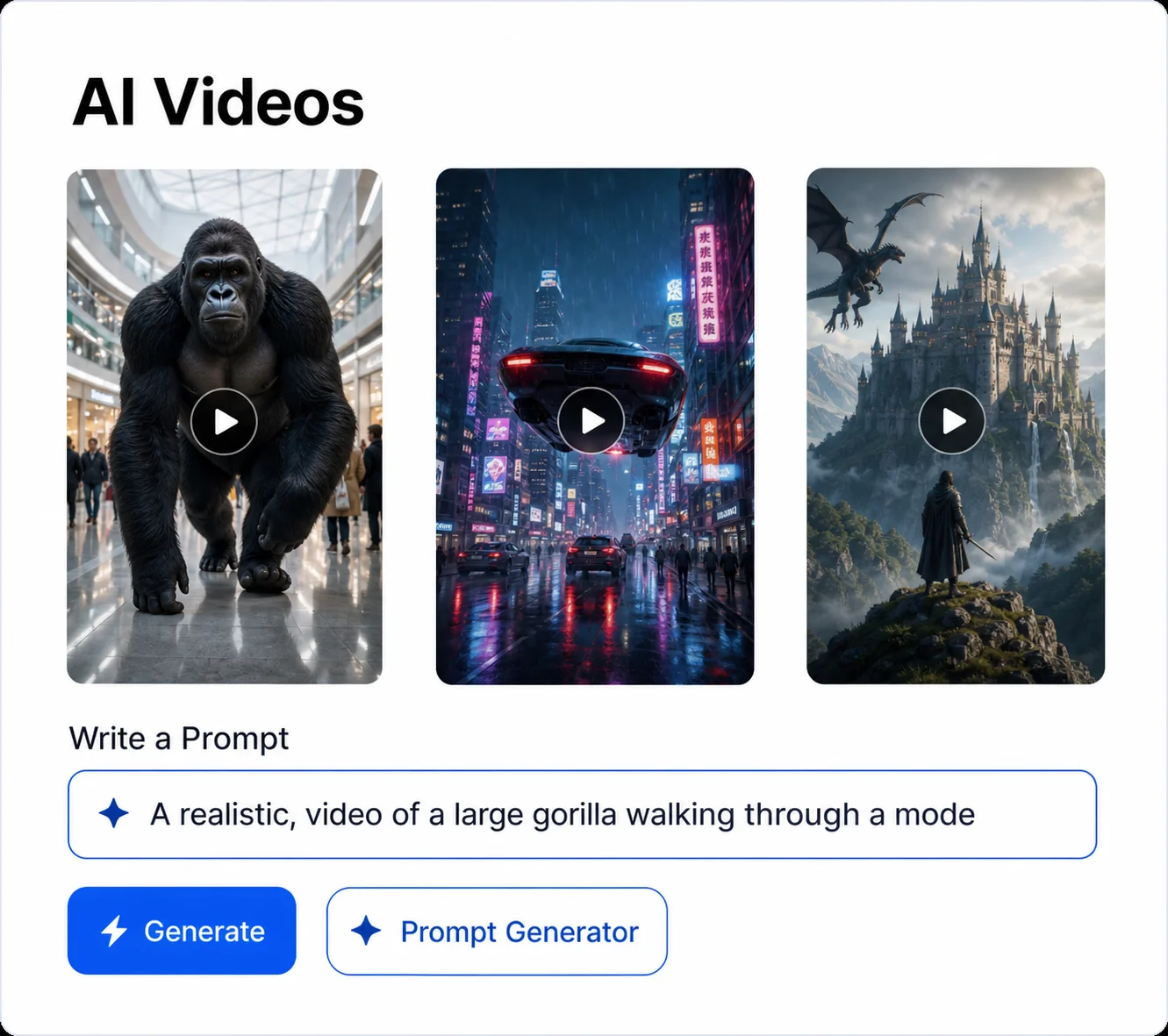
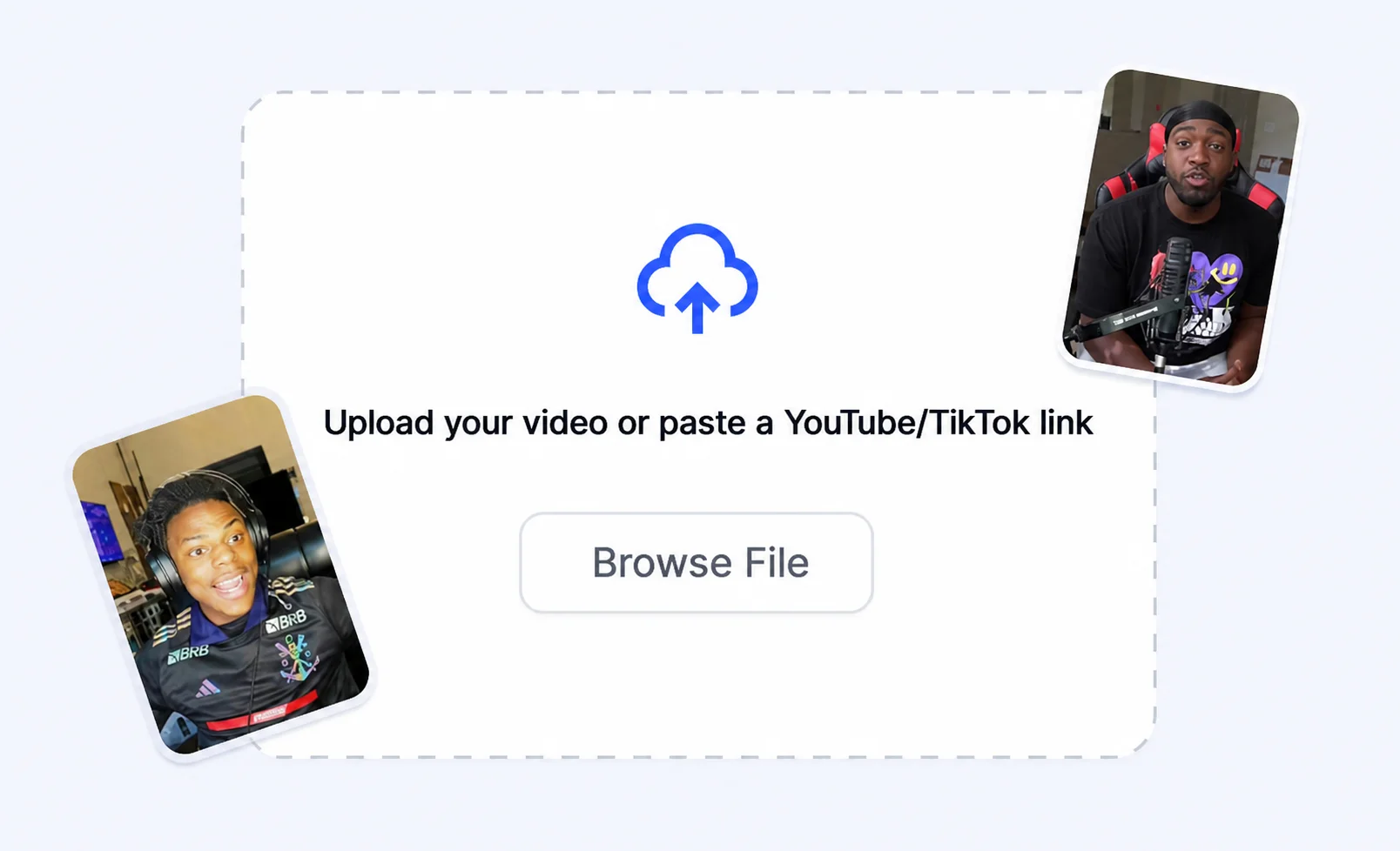
Type the scene, subject, emotion, and caption style you want viewers to notice first.
Generate scroll-stopping images, thumbnails, and hook frames for viral clips before you edit the final short.
How it works
Turn a rough idea into short-form output built for Shorts, Reels, and TikTok edits.
Type the scene, subject, emotion, and caption style you want viewers to notice first.
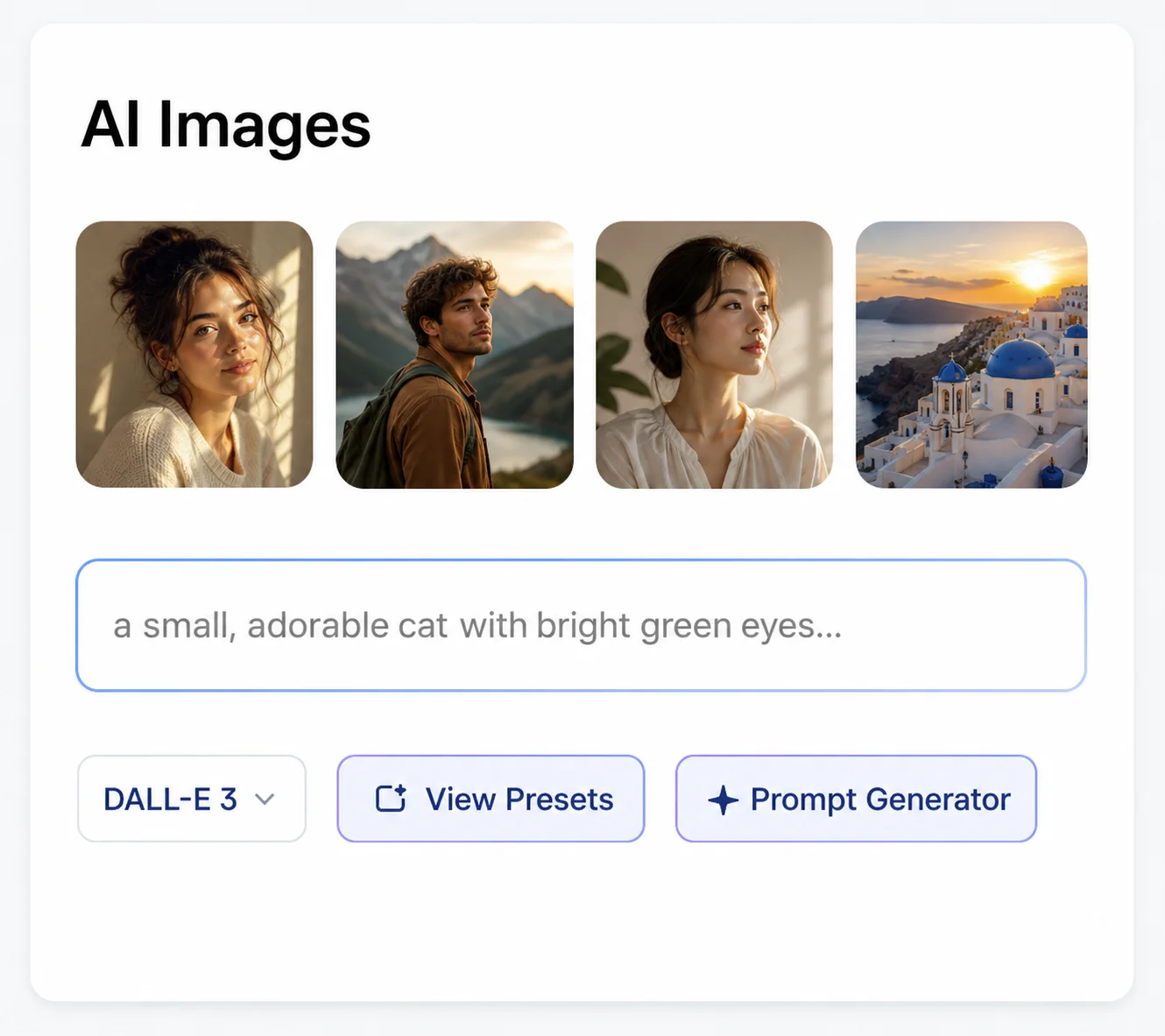
Create multiple frames sized for social feeds, thumbnails, and split-screen videos.
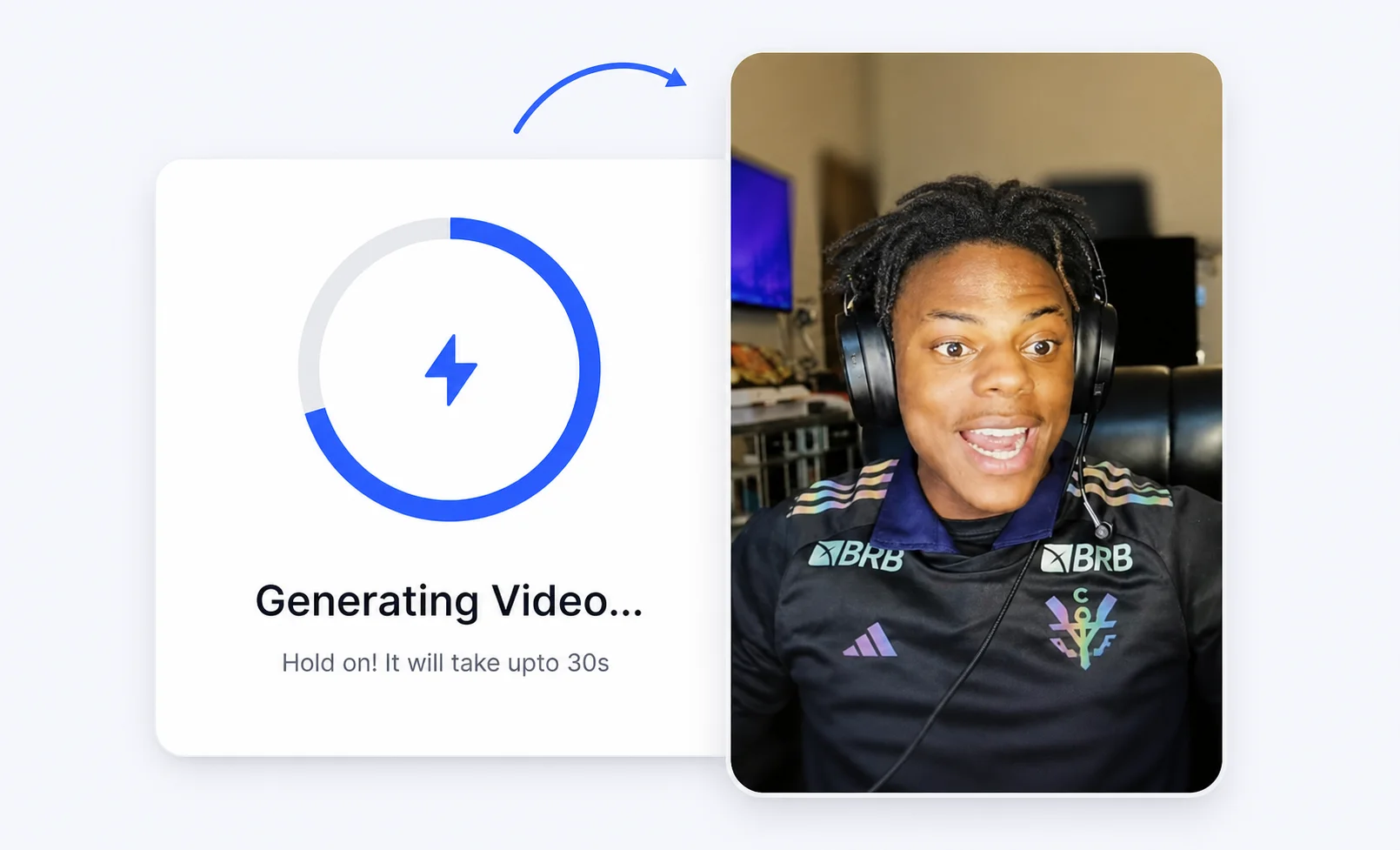
Drop the winning image into your Crayo project with subtitles, voiceover, and pacing.
Creator advantages
Build the visual hook and the video in one workflow instead of jumping across tools.
Create bold frames that work in fast feeds, thumbnails, and first-second video openers.
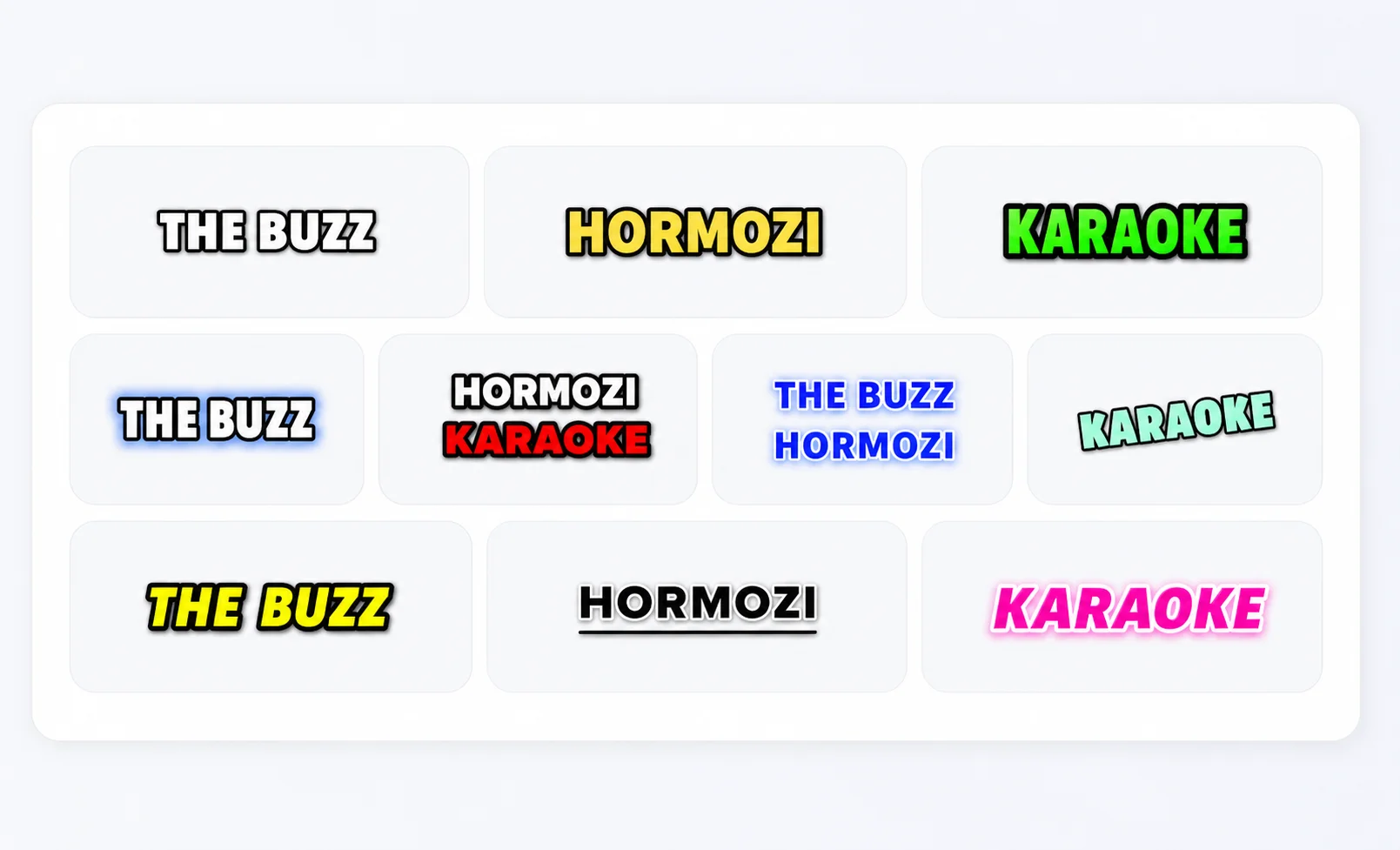
Generate visuals that leave room for viral captions, reactions, and story text.
Preview ideas for vertical Shorts, square posts, and wide clips without changing tools.
Try new thumbnails, story scenes, and reaction frames before committing to a full render.
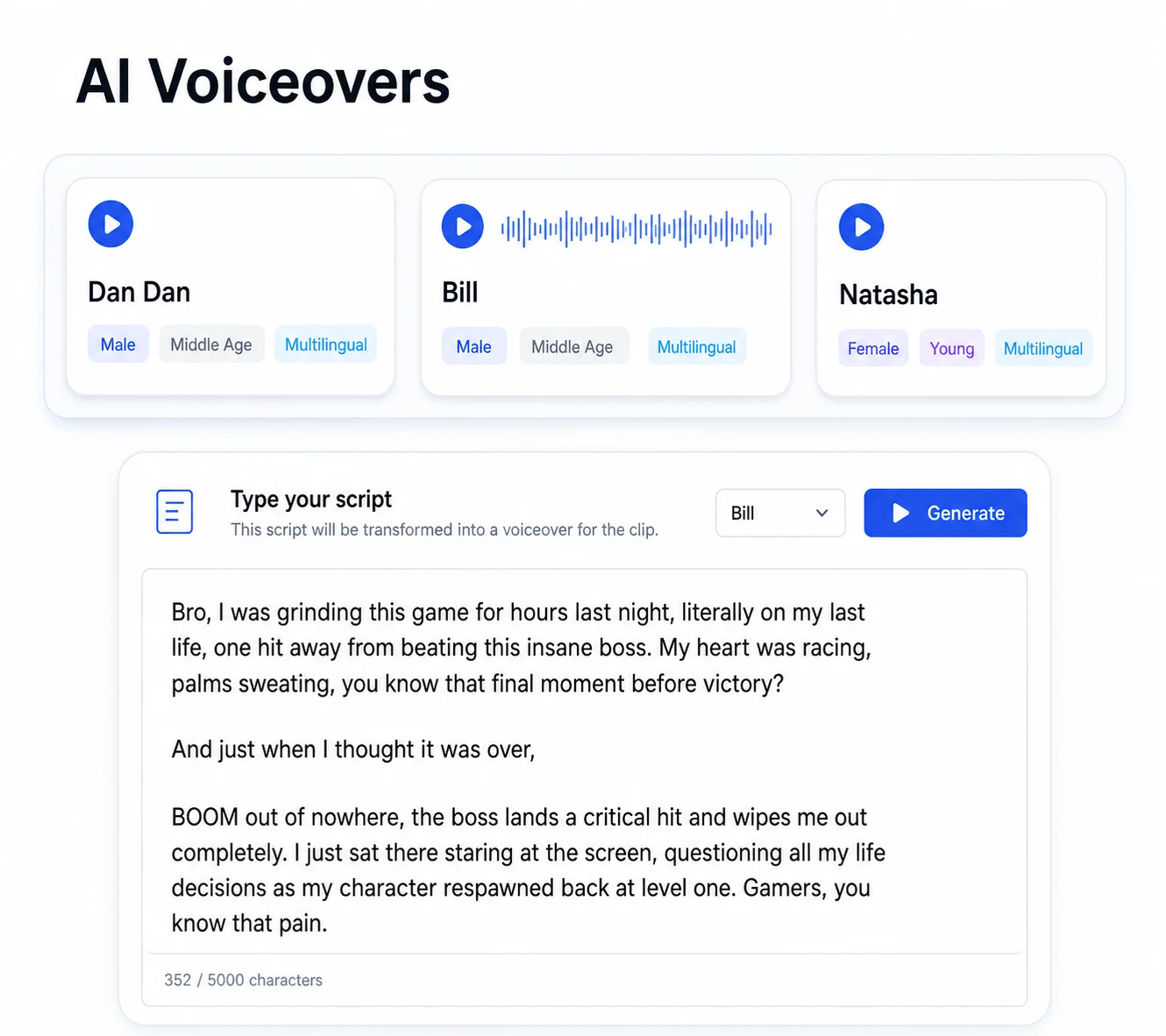
Use generated images as visual anchors for voiceovers, fake-text stories, and clip edits.
Move from image idea to finished viral video with the same editor, assets, and export flow.
More Crayo tools
Start with Crayo's ai image generator — free to try, no sign-up needed.
FAQs
Yes. You can start with the free generator flow and create visuals for viral clips, thumbnails, and short-form projects.
Describe the scene, subject, emotion, lighting, and caption energy you want in the image. Specific prompts usually create stronger hooks.
Yes. Crayo is built for creators who want images, subtitles, voiceover, and video editing in one viral content workflow.
Yes. Generate images for vertical clips, square posts, wide videos, and thumbnail concepts that fit social platforms.
Crayo AI is an independent AI clipping and short-form video toolkit. Not affiliated with any third-party platform. Generated previews are for demonstration; results may vary.