
1
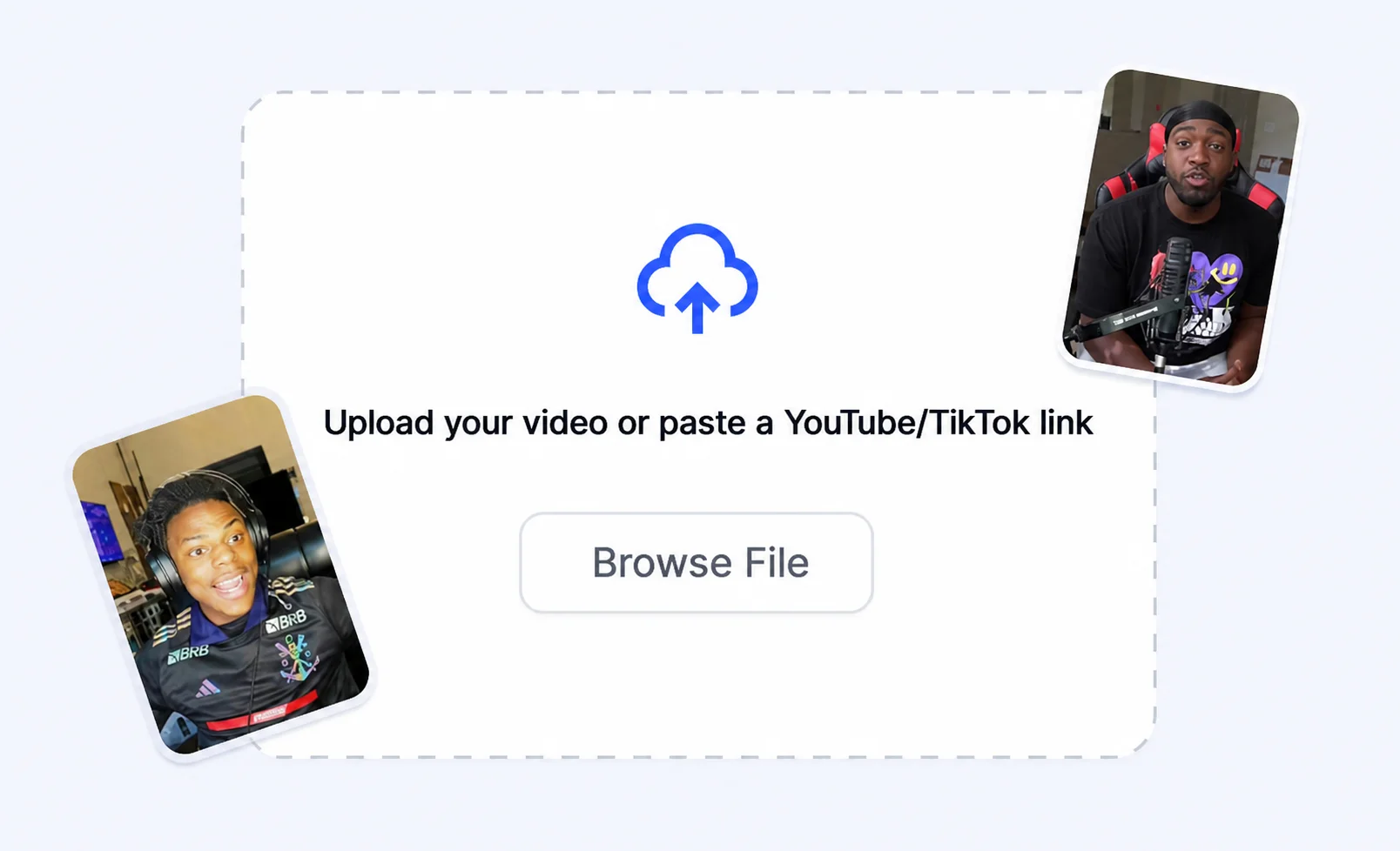
Upload your media
Add an image or video clip you want to cut out or clean up.
Remove backgrounds from images and video clips with AI precision for clean cutouts and split-screen edits.
How it works
Turn a rough idea into short-form output built for Shorts, Reels, and TikTok edits.
Add an image or video clip you want to cut out or clean up.
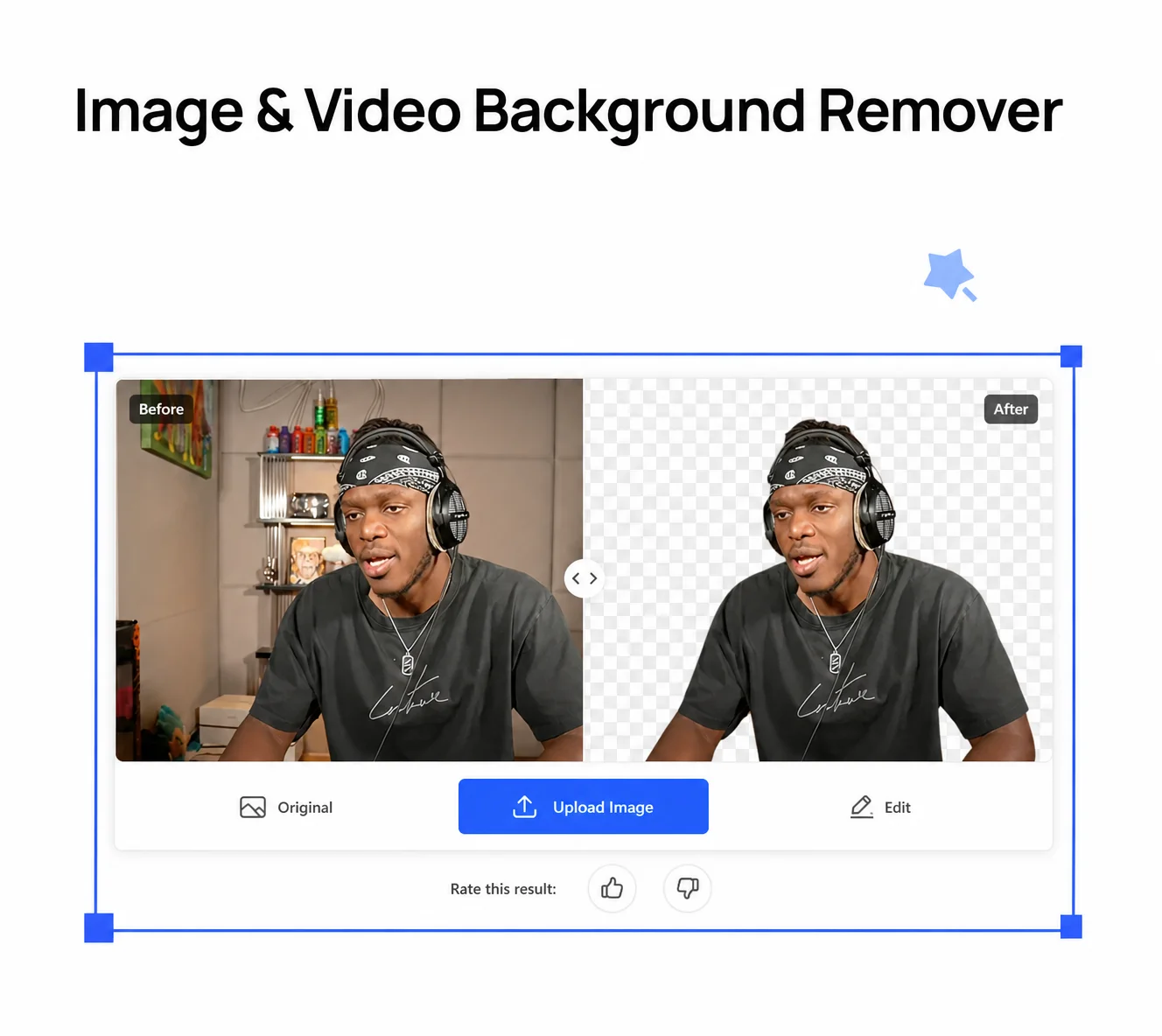
Let AI detect the subject and strip the background across every frame.
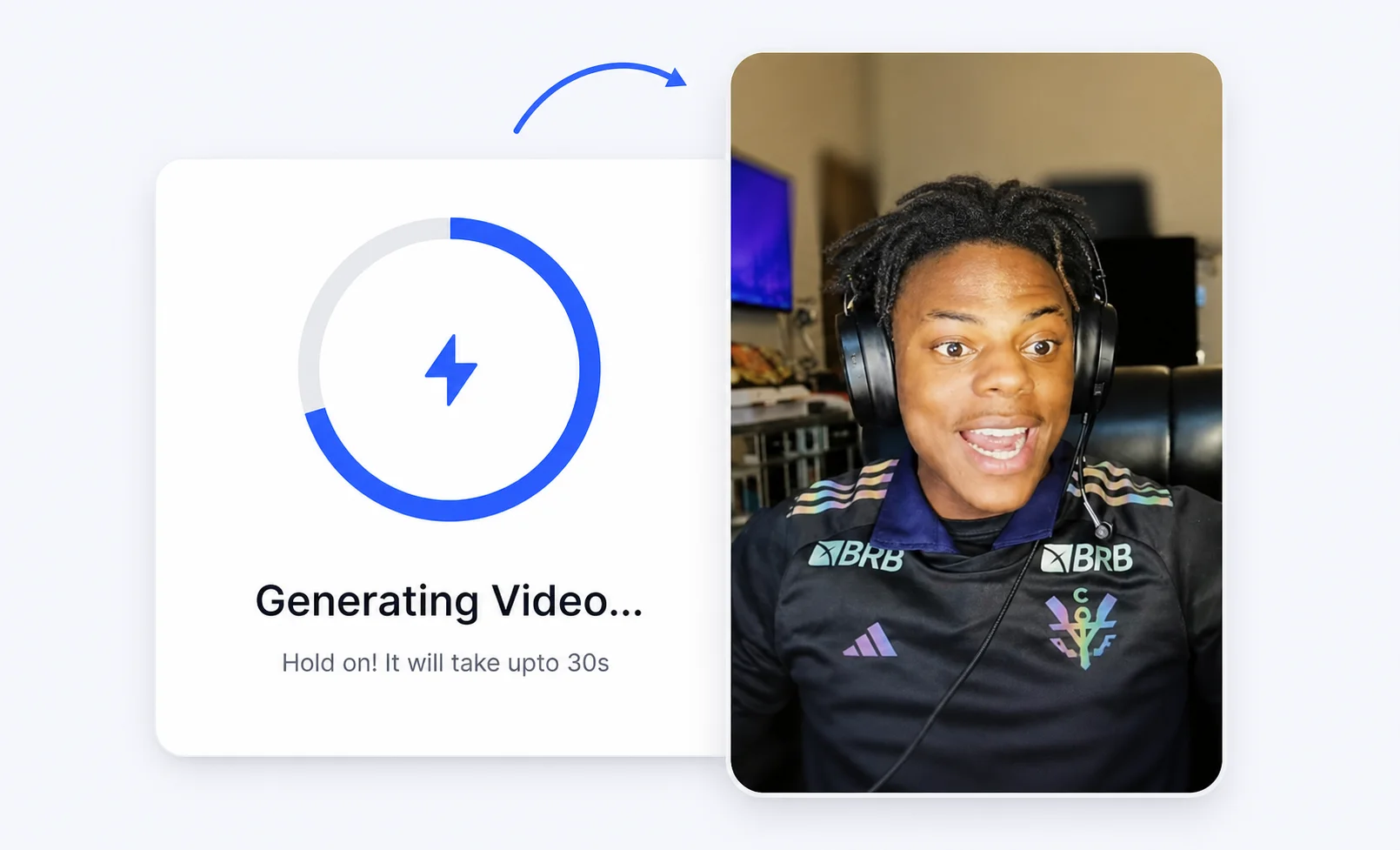
Use the cutout in split-screen clips, reactions, and captioned shorts.
Creator advantages
Build the visual hook and the video in one workflow instead of jumping across tools.
AI separates subjects from backgrounds with precise, professional-looking cutouts.
Remove backgrounds across every frame, not just single images.
Create cutouts built for reaction, gameplay, and split-screen viral clips.
Skip manual masking and get social-ready cutouts in seconds.
Prepare subjects for vertical Shorts, square posts, and wide videos.
Cut out, caption, and export inside the same Crayo workflow.
More Crayo tools
Start with Crayo's background remover — free to try, no sign-up needed.
FAQs
Yes. You can try background removal for free on images and video clips before scaling your edits.
Yes. Crayo removes backgrounds across frames, making it useful for split-screen and reaction clips.
Use cutouts in split-screen videos, reactions, thumbnails, and captioned short-form clips.
Yes. Prepare cutouts for vertical Shorts, square posts, and widescreen videos inside Crayo.
Crayo AI is an independent AI clipping and short-form video toolkit. Not affiliated with any third-party platform. Generated previews are for demonstration; results may vary.