
1
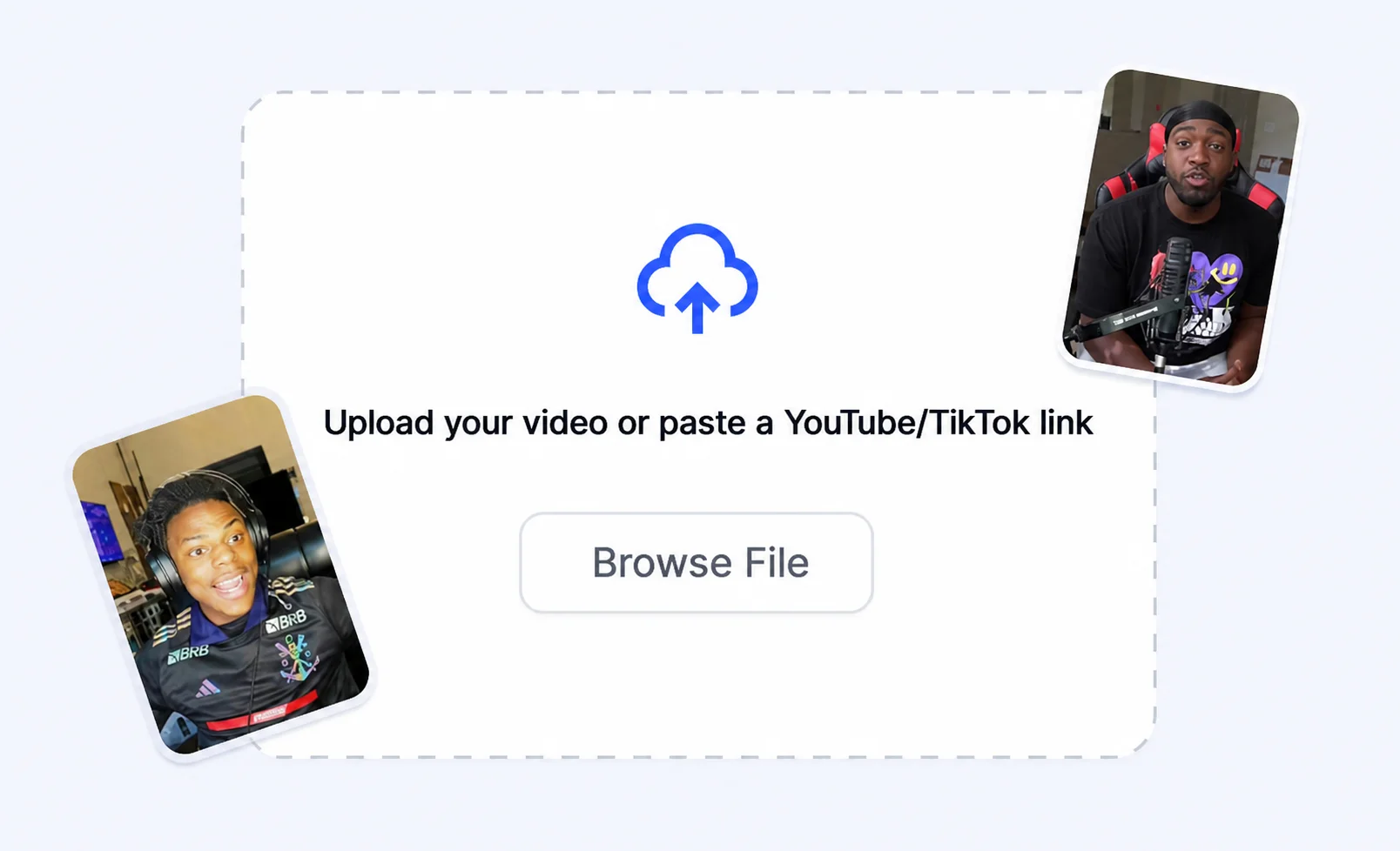
Upload the episode
Bring in a podcast segment or full episode you want to clip into shorts.
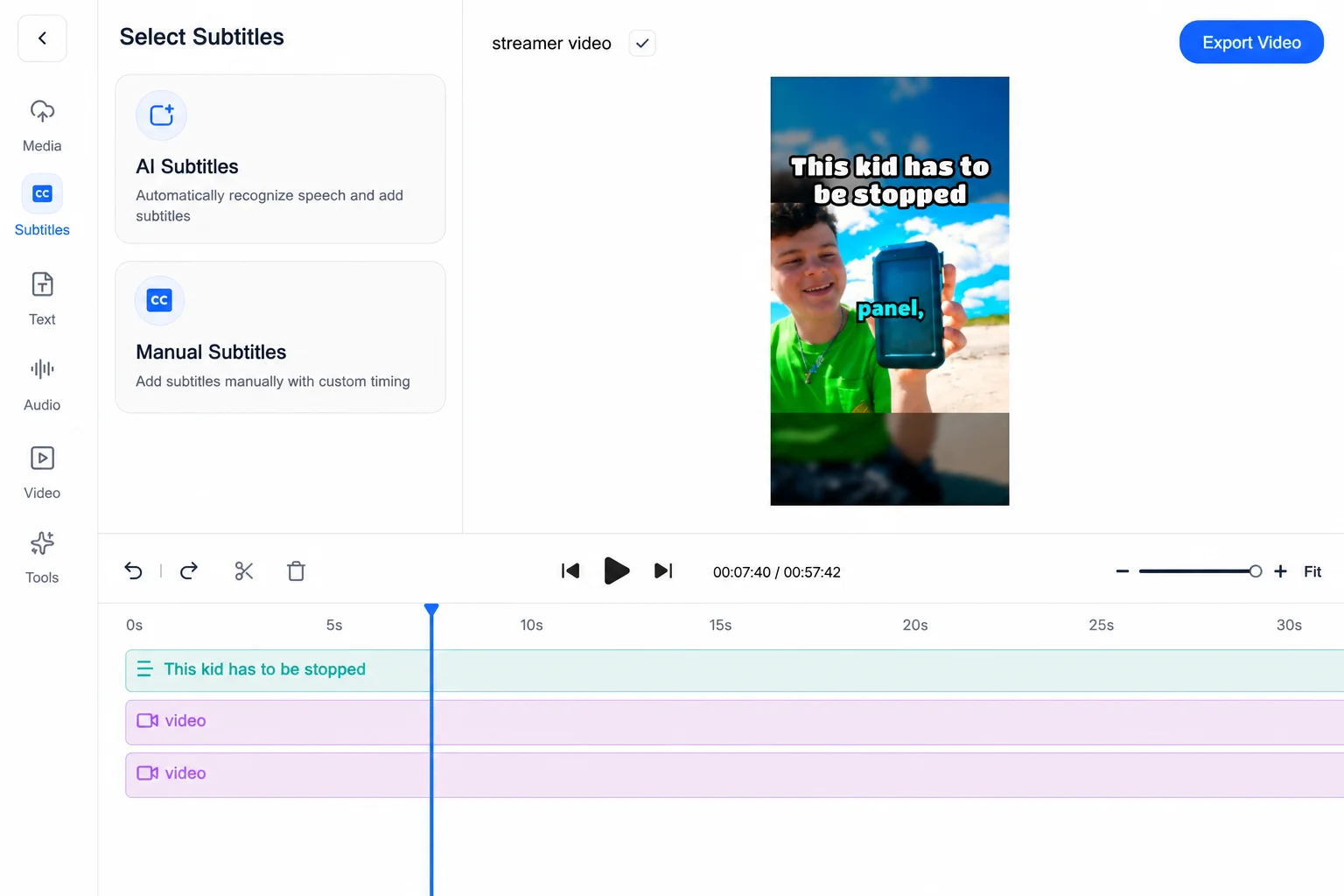
Turn long podcast episodes into viral clips with AI subtitles, split-screen layouts, and ready-to-post short formats.
Workflow
Move from raw content to polished short-form videos without rebuilding the same edit by hand.
Bring in a podcast segment or full episode you want to clip into shorts.
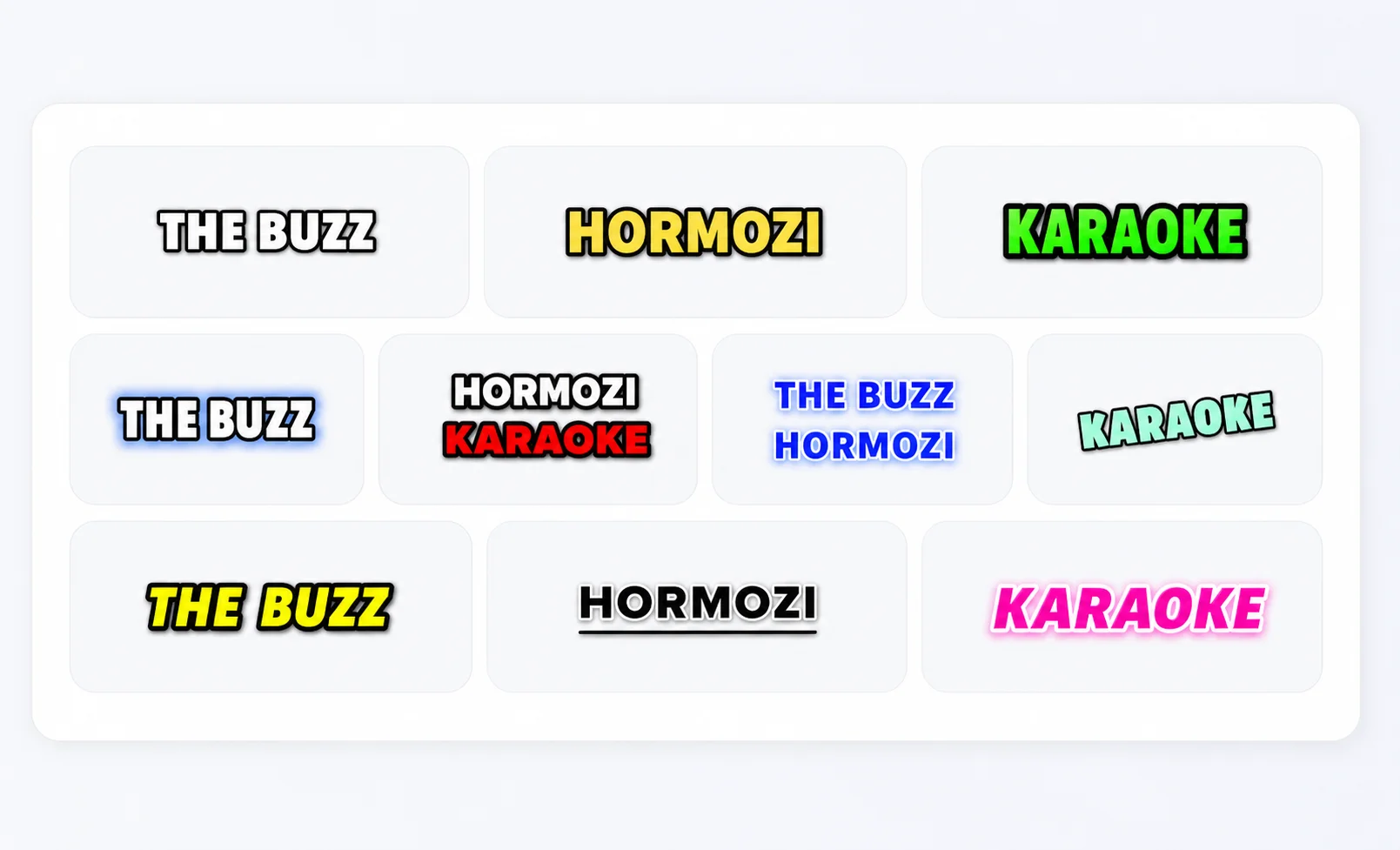
Add viral subtitles, split-screen layouts, and pacing tuned for retention.
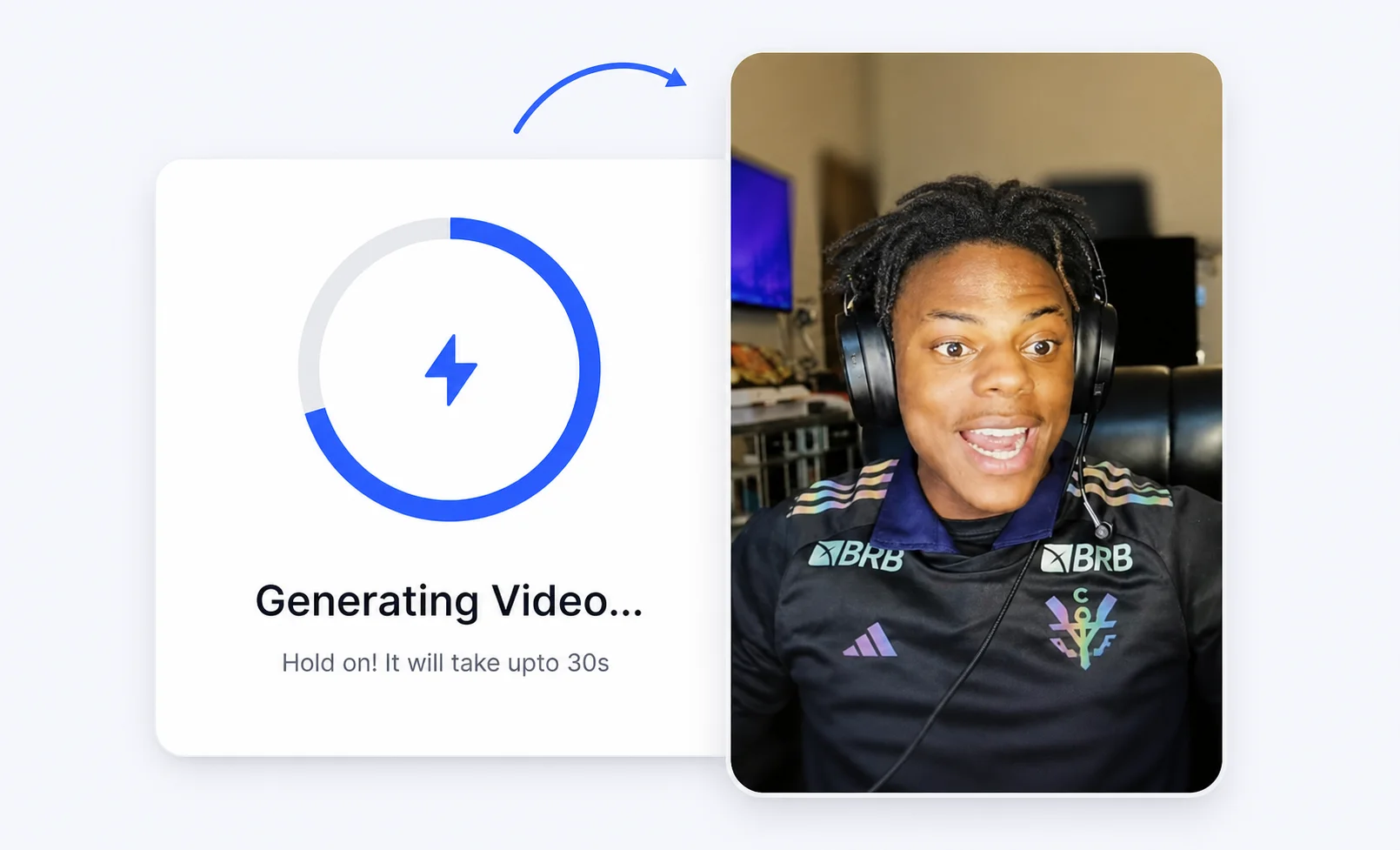
Render vertical podcast clips and export them for TikTok, Reels, and Shorts.
Pain to solution
Shape long episodes into punchy, quotable clips built for short-form feeds.
Add viral subtitle styles so podcast clips land even when watched on mute.
Pair audio moments with visuals and gameplay to keep viewers watching.
Create a repeatable clip pipeline so every episode fuels weeks of social content.
Creator proof

"I've clipped for some of the biggest creators on the internet. Crayo is the tool I wish I had when I started."

"Crayo is the only tool I've found that can remove backgrounds from videos well. 10/10."

"After running channels with over 1 million subscribers, I built Crayo to solve my own scaling problems."
Explore use cases
FAQs
Yes. Turn podcast segments into vertical clips with subtitles, layouts, and social-ready formats.
Yes. Crayo adds viral caption styles so clips work with or without sound.
Yes. Pair audio moments with visuals or gameplay using split-screen layouts.
Crayo AI is an independent AI clipping and short-form video toolkit. Not affiliated with any third-party platform. Generated previews are for demonstration; results may vary.