
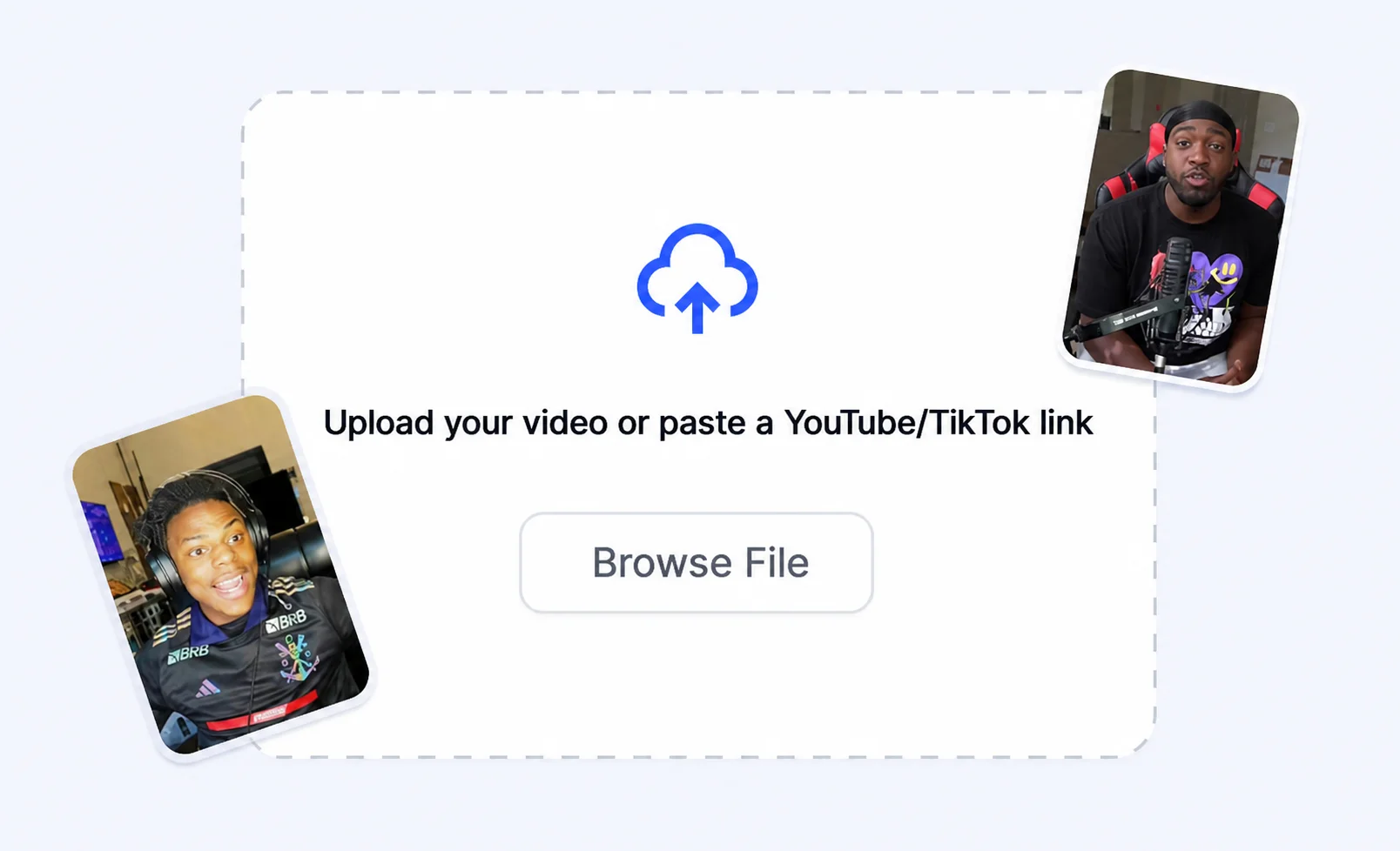
1
Start with an idea
Type a prompt or bring in a clip you want to turn into a short-form video.
Turn a prompt or clip into a viral-ready short with AI subtitles, pacing, and social formats built for retention.
How it works
Turn a rough idea into short-form output built for Shorts, Reels, and TikTok edits.
Type a prompt or bring in a clip you want to turn into a short-form video.
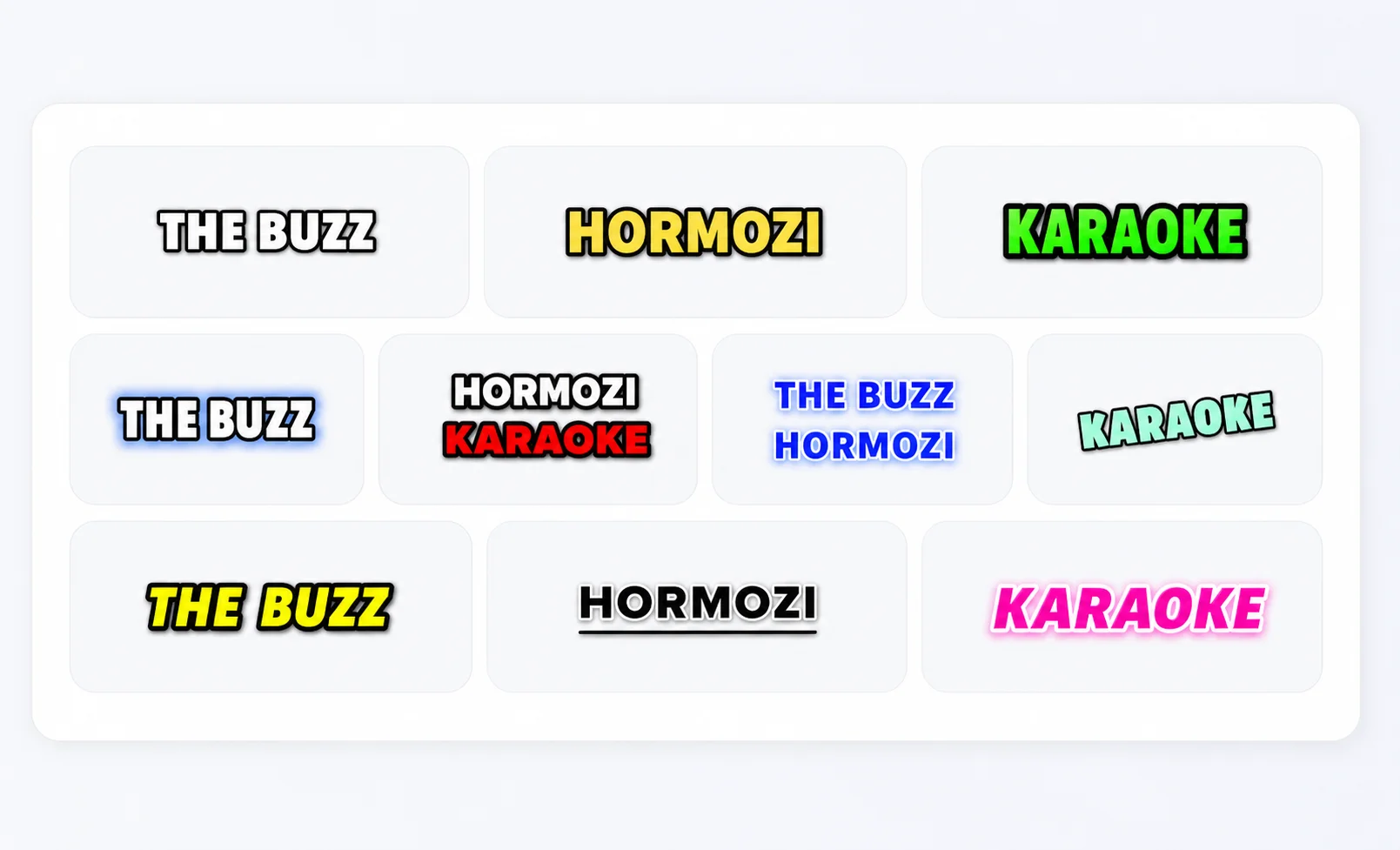
Apply subtitles, hook frames, gameplay, and pacing tuned for social feeds.
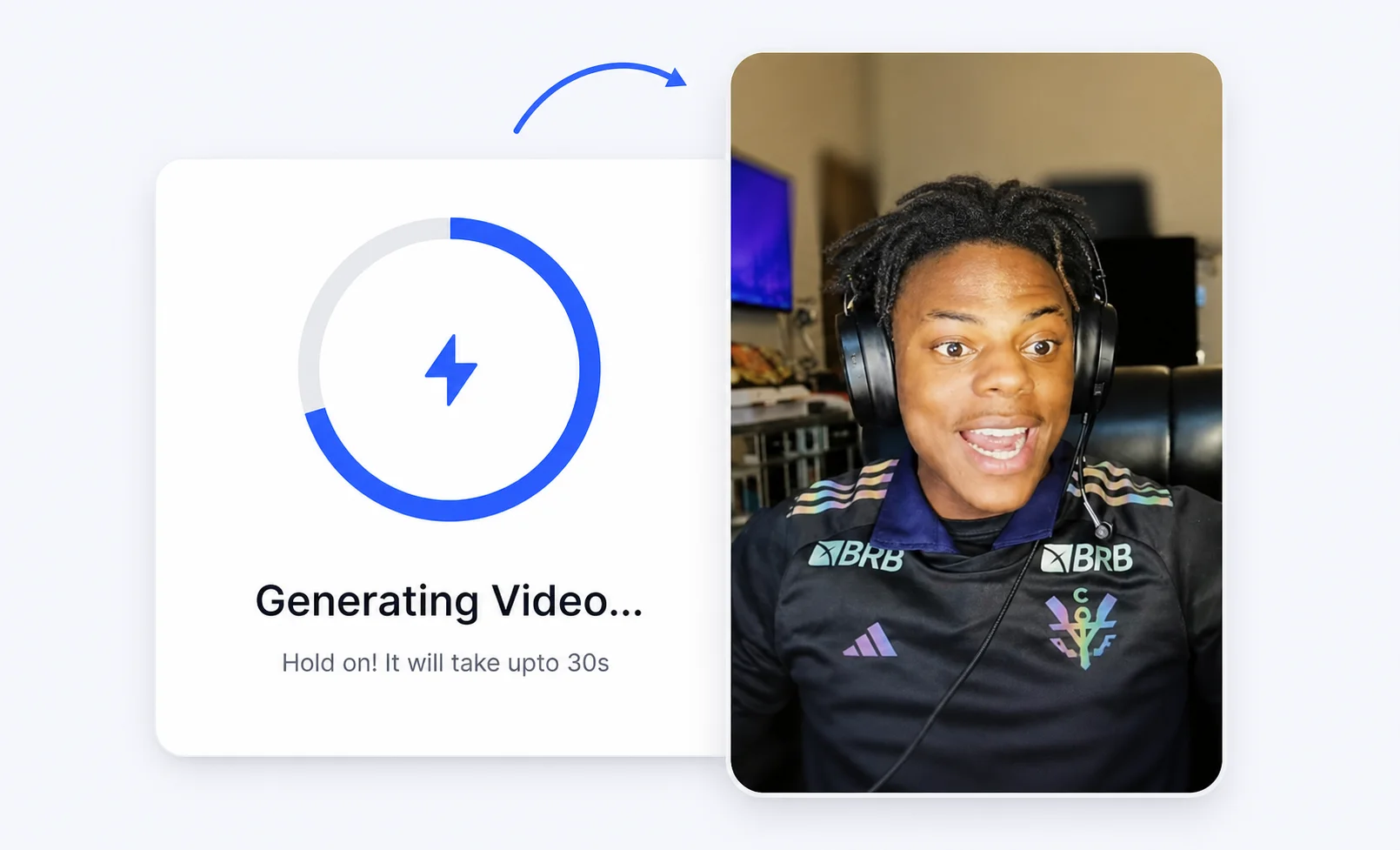
Render your clip in seconds and export it for TikTok, Reels, and Shorts.
Creator advantages
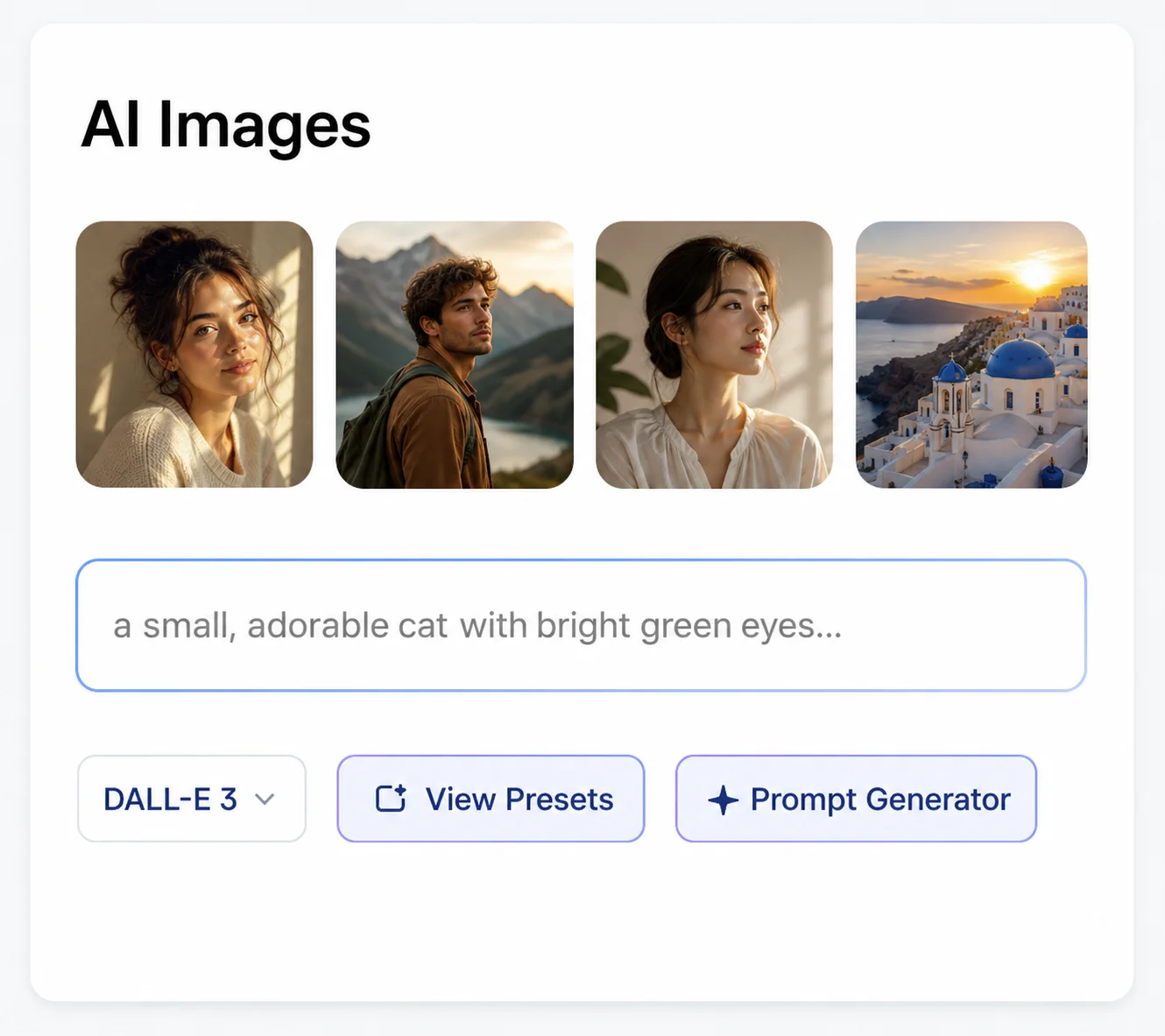
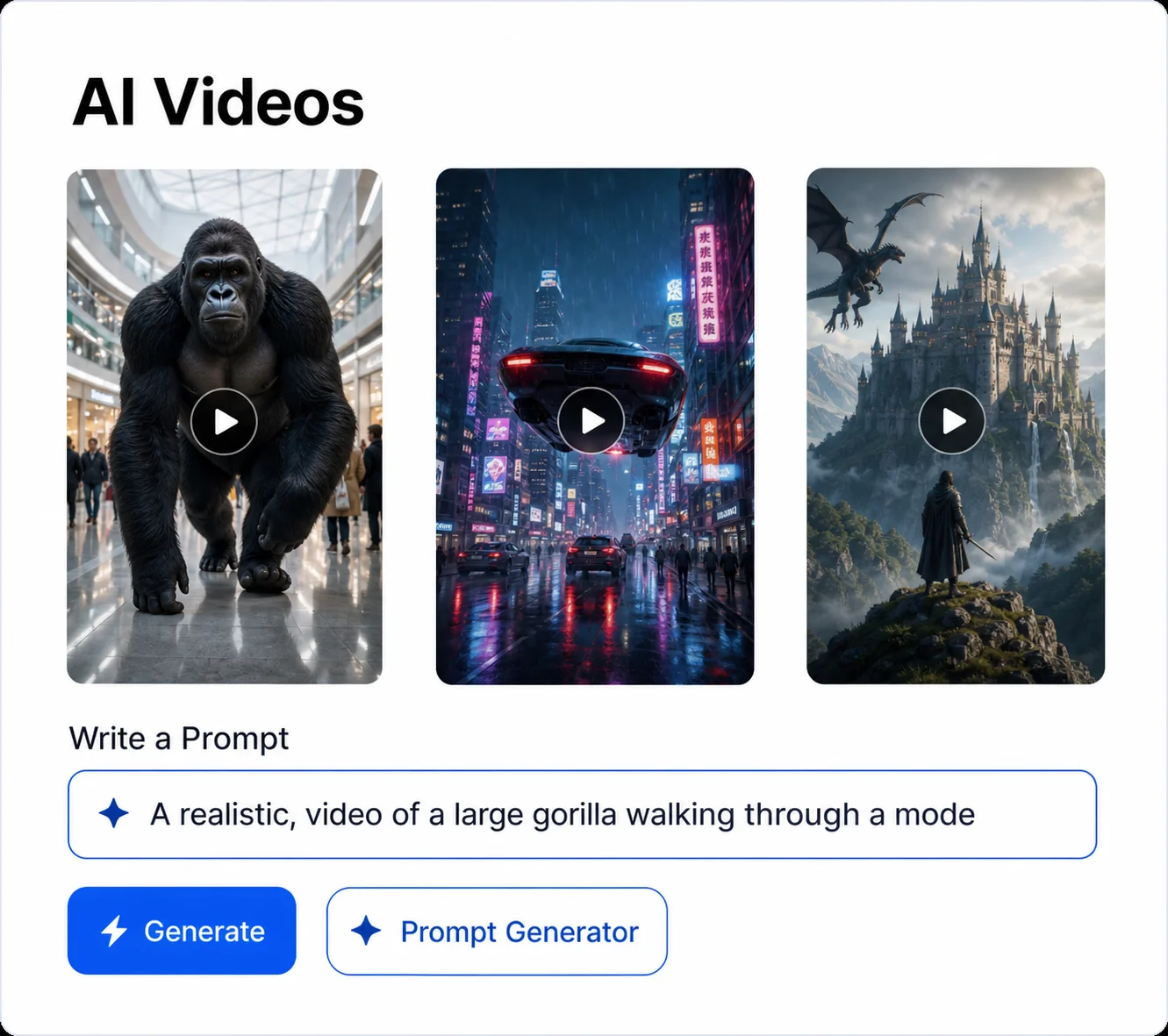
Build the visual hook and the video in one workflow instead of jumping across tools.
Start from a text idea or uploaded footage and shape it into a short built to hold attention.
Add hooks, cuts, and captions that keep viewers watching past the first second.
Export vertical Shorts, square posts, and widescreen clips from a single project.
Layer viral caption styles onto any generated video without leaving the editor.
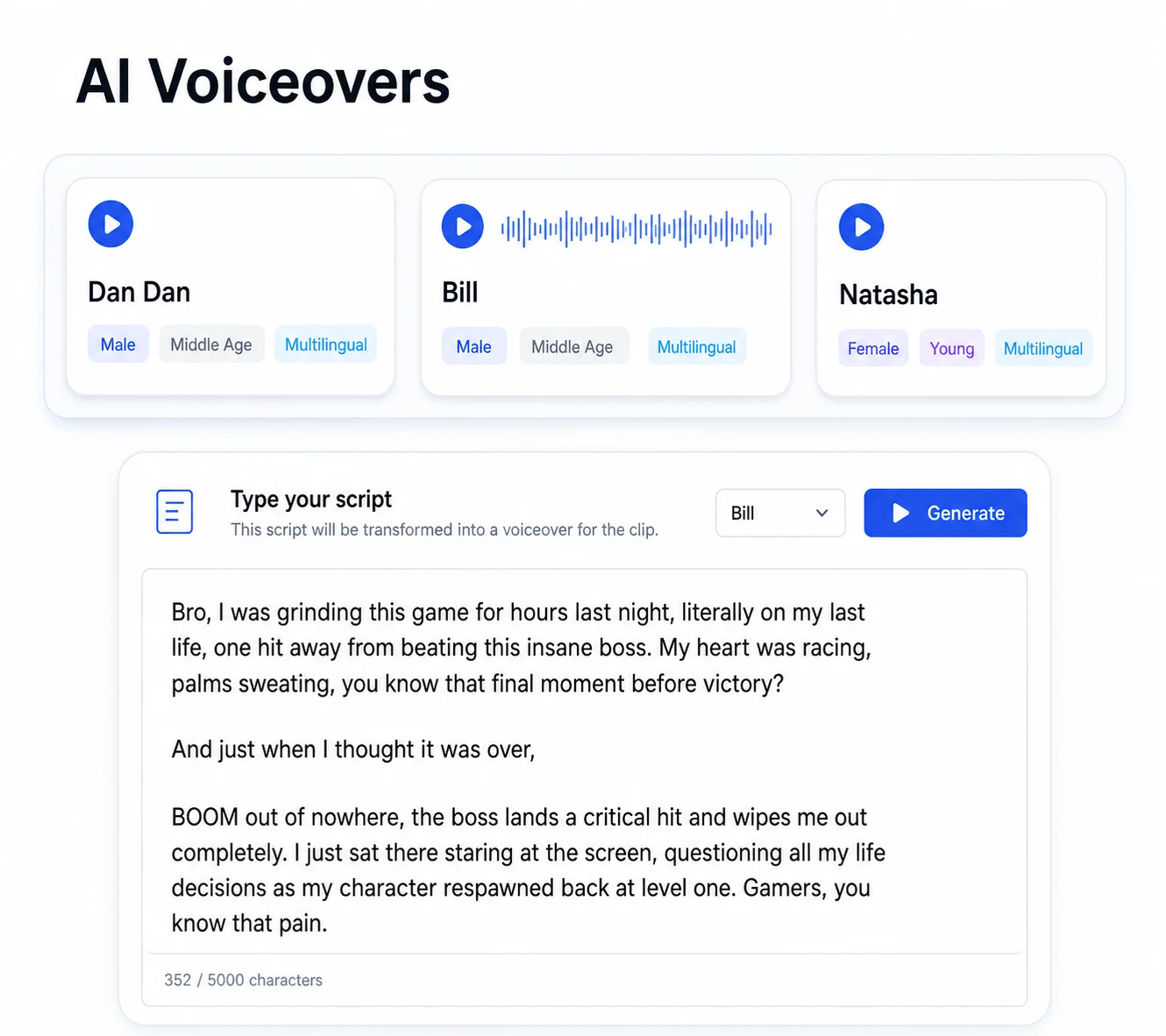
Pair generated visuals with AI voiceover for story videos and faceless content.
Generate, edit, and export in Crayo instead of stitching together separate apps.
More Crayo tools
Start with Crayo's ai video generator — free to try, no sign-up needed.
FAQs
Yes. You can try the generation flow for free and build viral clips before scaling your workflow.
Yes. Describe the video you want and Crayo helps shape it into a short-form clip with captions and pacing.
You can export vertical, square, and widescreen videos for TikTok, Reels, YouTube Shorts, and client channels.
Yes. Crayo combines AI video generation with subtitles, voiceover, and images in one editor.
Crayo AI is an independent AI clipping and short-form video toolkit. Not affiliated with any third-party platform. Generated previews are for demonstration; results may vary.